

Do Vending Machines Accept Cards? What Buyers Need

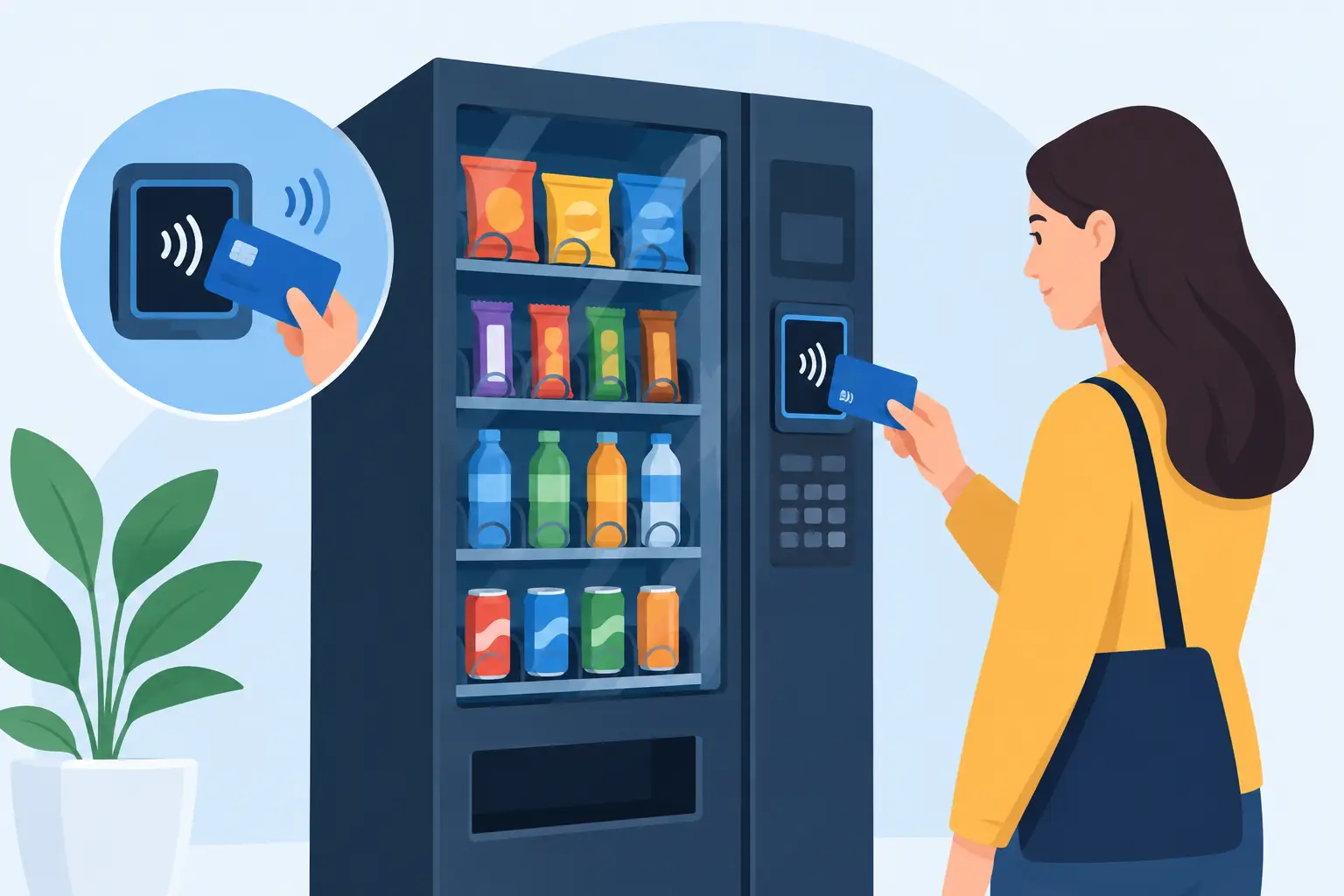
A customer standing in front of a snack machine with no cash is often a lost sale. So, do vending machines accept cards? Many do, but not automatically. A vending machine needs a compatible card reader and payment service to process credit cards, debit cards, mobile wallets, and contactless payments. For operators starting a vending business or upgrading an older route, that distinction matters when comparing machine prices and expected revenue.
Do Vending Machines Accept Cards by Default?
Some new commercial vending machines are sold card-reader-ready, while others include a reader already installed. Older used machines may accept only bills and coins until a cashless payment system is added. The listing details should make the payment configuration clear. “Card-reader-ready” usually means the machine has the wiring, opening, and communication capability needed for a reader, not that it is currently taking payments.
A card reader typically connects to the machine through an MDB interface, which is the common communication standard used by modern vending equipment. The reader then connects through cellular service or Wi-Fi to a payment processor. When a customer taps a phone, inserts a chip card, or uses a contactless card, the reader authorizes the transaction and tells the machine to release the selected item.
This setup can support Visa, Mastercard, American Express, Discover, debit cards, Apple Pay, Google Pay, and other mobile wallet options. Exact acceptance depends on the payment provider, the reader model, and the account configuration. It is smart to confirm those details before purchasing equipment, especially if a location has a specific payment preference.
Why Card Payments Matter for a Vending Route
Cashless payments are no longer an extra feature for many locations. Offices, apartment communities, gyms, colleges, hospitals, airports, and modern retail settings often have customers who rarely carry cash. A machine limited to bills and coins can still work in the right placement, but it puts an unnecessary cap on convenience in many high-traffic environments.
For an operator, card acceptance can increase the number of customers who can buy from the machine. It also allows higher-priced products to feel more accessible. A $1 snack is easy to pay for with coins, but a $4 energy drink, premium protein bar, or prepared food item is much more likely to be purchased with a tap.
Cashless systems also generate transaction data. Depending on the payment platform and machine setup, operators can review sales activity, payment trends, and sometimes product-level performance remotely. That information helps with route decisions, product selection, and service scheduling. Instead of guessing whether a location needs more beverages or healthier snacks, you can make decisions based on what is actually selling.
Card readers do not eliminate every operational task. You still need to stock products, keep coils and refrigeration working, manage customer service issues, and collect cash if the machine accepts it. But they can reduce dependence on cash collection and make the machine easier to use for more customers.
Card Reader Costs and Ongoing Fees
Cashless vending has a cost, so the right decision is based on location volume and product pricing, not just the appeal of new technology. The initial expense may include the card reader, installation hardware, setup, and any machine upgrade required for compatibility. A machine sold with a reader included can simplify the buying process, though buyers should still ask what service plan and account activation are required.
After installation, expect ongoing payment-processing costs. These commonly include a monthly service or cellular connectivity fee plus a percentage of each card sale and, in some cases, a per-transaction fee. Pricing differs by payment provider and plan. Small-ticket vending sales make it especially important to understand the full fee structure before setting retail prices.
The trade-off is straightforward. If a card reader brings enough additional purchases, the increased sales can outweigh the fees. In a low-volume location where most customers use cash, the return may take longer. In a busy office or apartment building where people expect tap-to-pay, going cashless is often a practical requirement for winning and keeping the placement.
Cashless Only vs. Cash and Card
A cashless-only machine accepts digital payment but does not need a bill validator or coin mechanism. This can reduce cash handling, theft exposure, and coin jams. It is often a strong fit for corporate workplaces, newer residential buildings, and locations where customers regularly use phones or cards.
A machine that accepts cash and cards gives customers more ways to buy. That flexibility can be valuable in laundromats, bowling centers, public-facing locations, and areas where cash use remains common. The downside is that you still need to service bill and coin components and collect cash from the route.
Neither format is universally better. Match the payment options to the customer base, the location owner’s expectations, and the amount of service work you want to take on.
How to Choose a Card-Enabled Vending Machine
Start with the machine category, not the payment device. A beverage machine is built for bottled drinks and cans. A snack machine handles packaged food. A snack-and-drink combo unit can be a practical choice for a smaller location that needs variety without space for two machines. Smart coolers and AI-powered unattended retail systems are designed for a different buying experience, often allowing customers to open a cooler, select products, and check out through integrated technology.
Once the format fits the location, verify the payment setup. Ask whether the machine has a card reader installed, is reader-ready, or needs additional retrofit work. If you are buying used equipment, confirm that the machine uses a compatible MDB interface and that its bill validator, coin mech, and control board are in dependable condition. An attractively priced machine is not a bargain if it needs several expensive upgrades before it can earn.
Also consider cellular signal. Most card readers rely on a cellular connection, so a basement, remote site, or heavily shielded building may need a signal check before installation. Wi-Fi can work in some cases, but it depends on the location’s network access and reliability. A reader that cannot maintain a connection cannot authorize sales consistently.
For refrigerated equipment, payment technology is only one part of the investment. Check capacity, product dimensions, cooling performance, energy requirements, door configuration, and service access. A card reader may help drive sales, but the machine still has to protect product quality and fit the location’s available space.
Retrofitting an Existing Machine for Card Payments
If you already own a working vending machine, adding a reader can be more cost-effective than replacing the entire unit. Retrofitting makes sense when the cabinet is in good condition, the machine is mechanically reliable, and the location has enough sales potential to support processing fees.
The upgrade process generally involves selecting a compatible payment provider, installing the reader and antenna, connecting it to the machine’s communication harness, activating the account, and testing purchases. Depending on the machine, installation may be simple for an experienced operator or better handled by a vending technician.
Do not assume every older machine can be upgraded without checking. Very old equipment may lack MDB compatibility or require a conversion kit. A machine with recurring refrigeration, delivery, keypad, or control-board problems may be better replaced than upgraded. Newer card-reader-enabled equipment can offer a cleaner starting point when reliability is the priority.
Questions to Ask Before You Buy
Before committing to a machine, get direct answers on these operational questions:
- Is a card reader included, installed, or sold separately?
- Which card brands and mobile wallets can the system accept?
- Is the machine MDB compatible and ready for a cashless reader?
- What are the monthly, cellular, and transaction processing fees?
- Does the location have reliable cellular coverage or approved Wi-Fi access?
- Can the machine also accept bills and coins if the location needs it?
- Who provides support if the reader, account, or connection stops working?
These questions protect your budget and prevent a delay between delivery and your first sale. They also make it easier to compare new, used, combo, beverage, and smart vending options on more than sticker price alone.
Card Payments and Specialized Vending
Specialized vending machines may require more planning. A laundromat machine can benefit from both cash and cards because customer payment habits vary. A bowling center may need durable equipment and flexible payment options during busy evening traffic. Tobacco vending requires age-verification controls and compliance with applicable laws and placement rules. A standard card reader by itself does not solve age-restricted sales requirements.
Smart stores and AI-powered coolers typically place cashless payment at the center of the experience. They can be a good fit for premium office spaces, residential communities, hotels, and other locations that value a broader self-service retail selection. Their higher acquisition cost should be weighed against product capacity, labor savings, location quality, and projected volume.
The best machine is not simply the one that accepts the most payment types. It is the one that fits the placement, carries products people want, and can be serviced profitably. Choose card capability as part of that larger business decision, then give customers one less reason to walk away without buying.