

Installing Vending Machine Card Readers the Right Way

A machine that only takes cash can lose sales when a customer has a phone, card, or smartwatch in hand but no bills. Installing vending machine card readers is one of the most practical upgrades an operator can make, but the reader itself is only one part of the decision. Your machine, payment provider, location signal, wiring, and monthly service plan all need to work together before you put the equipment on a route.
For a first machine, cashless capability may be worth building into the purchase instead of treating it as an afterthought. For an established route, a retrofit can modernize dependable equipment at a lower cost than replacing the entire machine. The right answer depends on the age of the machine, the volume at the location, and how quickly you expect the upgrade to pay for itself.
Installing Vending Machine Card Readers Starts With Compatibility
Not every card reader fits every vending machine. Most modern commercial machines use an MDB communication system, which allows the payment device, bill validator, coin mechanism, and vending controller to share information. If your machine is MDB-compatible, adding a cashless reader is generally more straightforward.
Older machines may use a different setup or need a conversion harness, interface board, or controller upgrade. Some can be upgraded successfully; others become expensive projects with limited long-term value. Before buying a reader, identify the machine’s make, model, manufacturing year, controller type, and available payment ports.
Do not choose a card reader based only on its physical appearance or mounting style. A unit can fit the machine door and still fail to communicate with the controller. Confirm whether the reader package includes the correct harness, antenna, mounting hardware, and any required software or firmware update.
If you are purchasing a new machine, choosing one that is already card-reader-ready can simplify setup. Buyers comparing new, used, combo, beverage, and smart vending equipment at VendingMachinesForSale.net should look beyond price and capacity to confirm the payment-ready status listed for each machine.
New machines versus retrofits
A new cashless-ready machine can be the cleaner choice for a high-traffic office, apartment building, hospital, or public-facing retail location. You start with compatible components, current electronics, and a payment setup designed for the machine.
A retrofit makes sense when the existing machine is mechanically sound, has dependable refrigeration or vending performance, and is placed at a location with proven sales. Replacing a working snack machine solely to add card acceptance may not be the best use of capital. On the other hand, spending heavily to adapt an aging machine with recurring service issues can delay a replacement you will need soon anyway.
Choose the Payment Setup Before You Mount the Reader
Cashless vending is not simply a reader attached to a door. The reader needs an account with a compatible cashless payment provider, a cellular or network connection, and an approved merchant setup. The provider processes card, mobile wallet, and contactless payments, then sends transaction data and, in many cases, machine alerts and sales reporting to your account.
Compare the full cost, not just the hardware price. Your expense can include the reader, activation, monthly connectivity or service fees, processing fees, and possible cancellation or equipment terms. Higher fees may be reasonable if the platform gives you useful reporting, remote price updates, inventory notifications, and responsive support. For a single low-volume machine, fixed monthly costs matter more than they do across a busy route.
Ask the provider how funds are deposited, which card brands and mobile wallets are accepted, whether it supports refunds or refunds must be handled manually, and what happens if cellular service is interrupted. Also confirm who owns the hardware if you later change processors. Those details affect your flexibility as your route grows.
Check the Location Signal and Power Conditions
A card reader cannot process a payment reliably without a connection. Many vending readers use cellular service, so signal strength at the actual machine location matters. A reader that works near a front window may struggle in a basement laundry room, inside a metal-walled facility, or in a back hallway surrounded by equipment.
Test the proposed placement area before committing to a large installation. Ask the location contact about cellular reception, Wi-Fi policies if Wi-Fi is being considered, and whether the machine will be moved after installation. Reader antennas and signal placement can make a real difference, but they cannot solve every coverage problem.
Power is equally important. Verify that the machine is connected to the correct dedicated outlet and that its electrical system is operating normally. Never work inside energized vending equipment unless you are qualified to do so. Turn off and disconnect power before accessing internal wiring, and use a vending technician or qualified electrician when the installation involves electrical repairs, controller changes, or uncertain wiring.
Install the Hardware Carefully
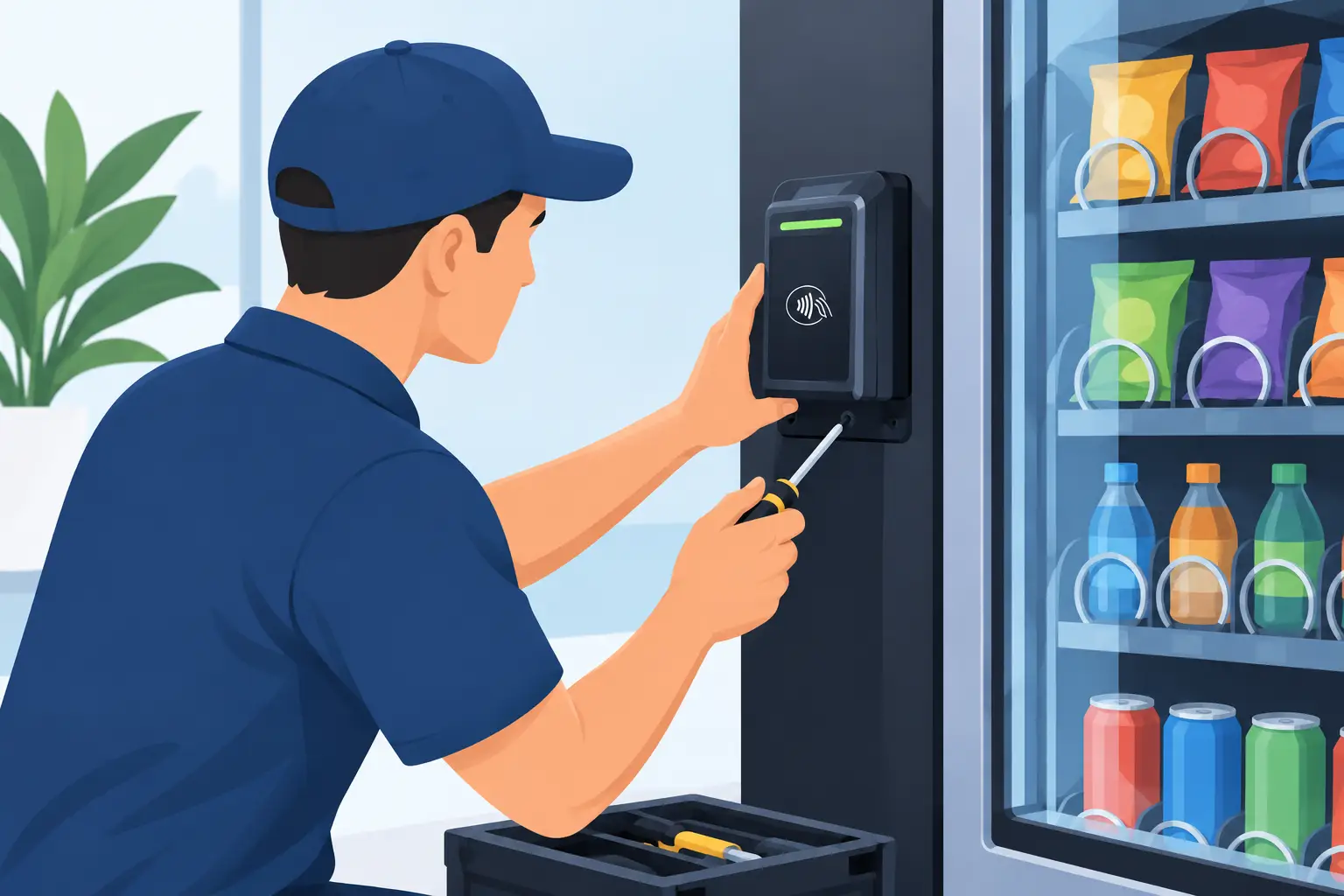
Once compatibility and account activation are confirmed, the physical installation is usually manageable for an experienced operator or technician. Mount the reader in the approved location on the machine door, route the cable so it will not pinch when the door closes, and connect it through the designated payment interface. Keep wiring away from moving vending mechanisms, sharp metal edges, and areas exposed to condensation.
Secure the reader firmly. A loose device looks unprofessional, can be damaged by repeated door movement, and may create a security concern. Use the supplied mounting hardware rather than improvised fasteners whenever possible. If drilling is required, measure carefully and protect interior components from metal shavings.
After connecting the hardware, restore power and allow the reader time to boot and connect. The device should show its normal ready status before you attempt a sale. If it displays an error, do not assume the reader is defective. The issue may be activation, signal, an incorrect harness, a firmware mismatch, or a communication setting in the machine controller.
Test Sales Like a Customer Would
A successful startup screen is not the final test. Make several low-dollar test purchases using different payment methods if possible: a chip card, tap-to-pay card, and mobile wallet. Confirm that the selected product vends, the transaction approves, and the sale appears in the payment portal.
Then check the scenarios that create service calls. Test what happens when a product fails to vend, when a selection is sold out, and when the machine door is opened and closed after installation. Make sure the machine does not charge for a failed vend if your system supports guaranteed delivery or refund handling.
Keep the test receipts or transaction records until the first settlement reaches your bank account. That confirms the equipment is connected, the merchant account is correctly configured, and deposits are flowing as expected.
Plan for Ongoing Costs and Route Management
Card readers can increase convenience and sales, but they also add an operating cost. Processing fees reduce the net amount from each transaction, and service plans are usually recurring. Build those expenses into product pricing and location forecasts instead of treating them as surprises after installation.
Cashless reporting can also improve route decisions. Transaction data may show which machine has strong demand, which selections move slowly, and whether a location is worth restocking more often. Use that information to adjust product mix, pricing, and capacity. A high-volume break room may justify a larger snack-and-drink combo machine, while a smaller laundromat may perform better with a focused beverage or specialty machine.
Protect the account as seriously as the machine. Use unique passwords, restrict portal access to trusted staff, review unusual refunds or transaction activity, and keep the reader firmware current when updates are offered. Payment providers handle the sensitive card data, but operators still need good account habits.
A card reader should support a profitable placement, not distract from one. Start with a compatible machine, choose a payment plan that fits expected sales, test the connection before launch, and make the first customer purchase as easy as tapping a card and getting the product they came for.