

Vending Machine Inventory Management That Pays

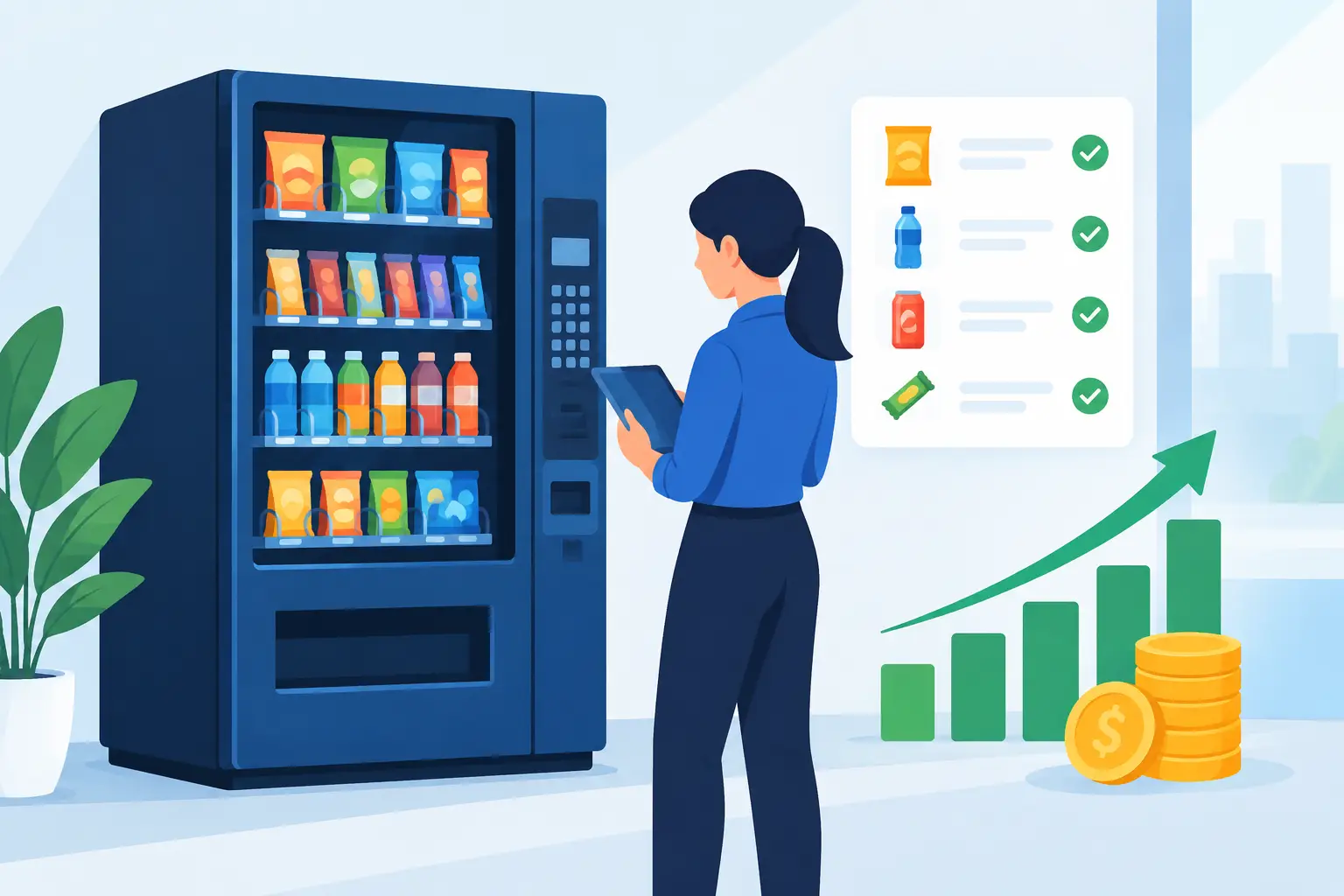
A machine with sold-out bottled water and three rows of slow-moving chips is not a placement problem. It is an inventory problem. Good vending machine inventory management tells you what is selling, what is sitting too long, and what needs to be loaded before your next route visit. That control protects sales without tying up more cash in product than the machine can reasonably move.
For a new operator, inventory can feel like a basic restocking task. For an established route, it quickly becomes one of the biggest drivers of profit. Each product decision affects your cash flow, service time, spoilage risk, and customer experience. The goal is not to fill every selection with as much product as possible. The goal is to keep the right products available at the right location, at the right time.
Start With Each Machine’s Actual Capacity
Before setting a purchase schedule, document what every machine can hold. A snack machine may have a different number of selections, spirals, and product depths than another unit on the route. Beverage machines vary by bottle size, can configuration, and column setup. Combo machines require even more attention because snacks and drinks may move at very different speeds.
Create a simple machine profile for every location. Record the machine model, the number of product selections, the capacity of each selection, and the products assigned to it. Also note package size. A 20-ounce bottle takes up inventory space differently than a standard can, and a large bag of chips may require wider spirals or fewer items per row.
This profile becomes your baseline. Without it, it is easy to overbuy product for a location or arrive with too little of the items that produce the most sales. It also helps when replacing equipment. If a busy office needs more drink capacity than snack capacity, that data supports moving from a small combo machine to separate beverage and snack machines, or selecting a larger model for the next placement.
Build Par Levels for Every Location
A par level is the amount of inventory you want available after servicing a machine. It should be based on the location’s demand, not a guess or a one-size-fits-all load plan.
A warehouse break room may sell energy drinks quickly during overnight shifts. An apartment building may move bottled water, soda, and better-for-you snacks more steadily throughout the week. A laundromat may produce sales in bursts over weekends, while a bowling center can be strongest in the evening and on event days. The same machine loaded the same way in all four settings will leave money on the table.
Start by filling a new machine with a sensible variety, then track sales for several service cycles. After you see a pattern, set a target quantity for each item. For example, if a drink column holds 45 bottles and normally sells 30 between weekly visits, its par may be a full column of 45. If a specialty snack sells only six units in a week, carrying 20 may be unnecessary.
Your working replenishment formula is straightforward: par level minus current machine inventory equals the amount to bring. Add a small buffer only for items with unpredictable demand or locations that are difficult to reach quickly. Too much buffer creates stale inventory and makes route vehicles harder to organize.
Adjust Service Frequency Before Adding More Inventory
The answer to frequent stockouts is not always loading more cases into the machine. It may be a sign that the service schedule needs to change. A high-traffic location may need two visits a week, especially for cold drinks, while a lower-volume site may be profitable with service every other week.
More visits cost labor, fuel, and time. Fewer visits can create empty columns, lost sales, and complaints. Review the trade-off by looking at sales per visit and how often best sellers run out. If top items are empty for several days, more frequent service may generate enough additional revenue to justify the trip. If the machine is still mostly full at every visit, reduce unnecessary stops.
Use Sales Data to Make Better Product Decisions
Cashless readers, telemetry systems, and smart vending equipment can make inventory decisions much easier because they provide sales information without relying only on manual counts. You can see which selections are selling, monitor inventory levels, and identify machines that need attention before driving the route.
That said, a basic operation can still manage inventory effectively with a spreadsheet, paper count sheet, or point-of-sale records. The method matters less than consistency. Track product name, SKU or size, unit cost, selling price, units loaded, units sold, units remaining, and expiration date where applicable.
Look beyond total machine sales. A location that generates good weekly revenue may still have poor product performance if two fast sellers are supporting several dead selections. Move slow products out and give proven items more space. Do not remove every low-volume item automatically, though. A small selection of protein snacks, sugar-free drinks, or specialty products can make a machine more useful for a specific customer base, even when it does not lead the sales chart.
The right assortment depends on the location. Ask the site contact about employee schedules, age groups, dietary preferences, and nearby food options. Then let actual sales confirm or challenge those assumptions. Product mix should be reviewed regularly, especially after seasonal changes, price increases, or a change in building occupancy.
Control Expiration, Damage, and Shrink
Inventory loss can quietly reduce the return from an otherwise strong route. Food expiration is the most obvious issue, but damaged packaging, melted products, mis-vends, and theft also affect margins.
Use first in, first out handling. When restocking, place newer inventory behind or underneath older product so the earlier-dated items sell first. Check dates every time you service the machine, not only when you notice a problem. This is particularly important for baked goods, dairy-based items, chocolate in warm locations, and products with short shelf lives.
Keep damaged or questionable product out of the machine. A broken package can jam a selection, make the machine look neglected, or cause a customer to lose confidence in the entire location. If a product repeatedly gets stuck, the issue may be the item size, spiral adjustment, machine setup, or product condition rather than customer demand.
Shrink deserves attention as your route expands. Compare what you load, what your payment records show as sold, and what remains in the machine. Small discrepancies happen, but recurring gaps need investigation. Clear service procedures, controlled warehouse access, and regular counts make it easier to spot problems early.
Organize the Route Vehicle and Storage Area
A profitable route can become inefficient if product is scattered across a vehicle or stored without a clear system. Organize inventory by category and by route need. Drinks are heavy, so load them where they are secure and easy to access. Keep products for the next stop together when possible, and separate returns, damaged goods, and expired inventory from saleable stock.
Buy in quantities that reflect turnover and available storage. Case pricing can improve margins, but a steep discount is not a savings if products expire, take up needed space, or force you to carry too many slow sellers. The best purchasing quantity is the one that keeps your most reliable sellers available while preserving cash for equipment, repairs, new placements, and growth.
For operators adding several machines, standardizing core products can simplify purchasing and restocking. You may carry the same top-selling water, soda, chips, candy, and energy drinks across most locations, then add a smaller group of site-specific items. This reduces picking time and prevents a route from becoming overloaded with single-location products.
Connect Inventory Decisions to Equipment Choices
Machine choice affects how easy inventory is to manage. A used vending machine can be a practical way to start a vending business at a lower acquisition cost, but confirm that its capacity, cooling performance, product compatibility, and payment setup fit the placement. Lower upfront cost is valuable only if the machine supports reliable service and sales.
New machines can offer updated configurations, card reader compatibility, and features that reduce service guesswork. AI-powered vending machines and smart cooler formats may provide a broader product display and more detailed transaction visibility, which can be especially useful in offices, retail settings, and higher-traffic unattended locations. They also require an upfront investment that should match the expected sales volume and location opportunity.
There is no single best format for every route. A compact snack-and-drink combo unit may be ideal for a smaller break room, while a busy facility may need separate machines or a smart store setup to avoid limited capacity and frequent stockouts. Let inventory movement guide the equipment decision, not just the purchase price.
Make Every Service Visit Count
A service visit should leave the machine full of sellable products, properly priced, clean, and ready for the next sales cycle. Count what remains before loading when possible, rotate dated products, remove problem items, and record changes to product selections. If you substitute an item because stock is unavailable, note it. Otherwise, temporary changes can turn into confusing inventory records.
The most useful habit is simple: review your fastest and slowest selections after every visit. That one routine gives you a clear reason to bring more, bring less, change prices, swap products, or change the service schedule. Start with one machine, establish a repeatable count-and-replenish process, and carry that discipline into every new location you add.